
The same family can want paper cards on one day and a device on another. Start with the activity you would like to share, then choose the format that fits your space and the time you have. You do not need to make every session follow the same pattern.
A Breatho & Friends card-set purchase includes the chosen set’s printable files and app access. Shared app activities include Colouring, Let’s Play, Adventure Time and Create a Friend. Other card sets are separate purchases.
Choose paper when you want to arrange pictures
Paper can be useful for laying two options beside each other, moving a completed picture to another space or taking a few selected cards to a table. Decide which pictures you actually want before printing a whole collection.
- Choose the supplied A4 or US Letter PDF matching your paper.
- Follow the pack’s actual-size printing instructions and test a sheet first.
- Let an adult prepare the cards, including cutting and any laminating.
- Put the unused pictures aside so the activity space stays clear.
For example, put Breatho’s “Big slow breath” picture beside Slowmo’s “Slow motion”. Ask which one to try or offer to demonstrate. A child can move the selected picture toward you without needing to name it.
Choose the app when you want to look together
If you already have a card-set purchase, use the app licence key described in your Polar order instructions. The pack says the order email links to the key and downloads. Open the app access page when you are ready to enter your key.
Choose a picture from the set you own and read its prompt together. You can take turns describing what you notice, demonstrate an action away from the screen or simply look. A device session does not have to involve exploring every available activity.
Before an outing, open the activity you want on your device so you know what is ready to use.
Leave space for making something
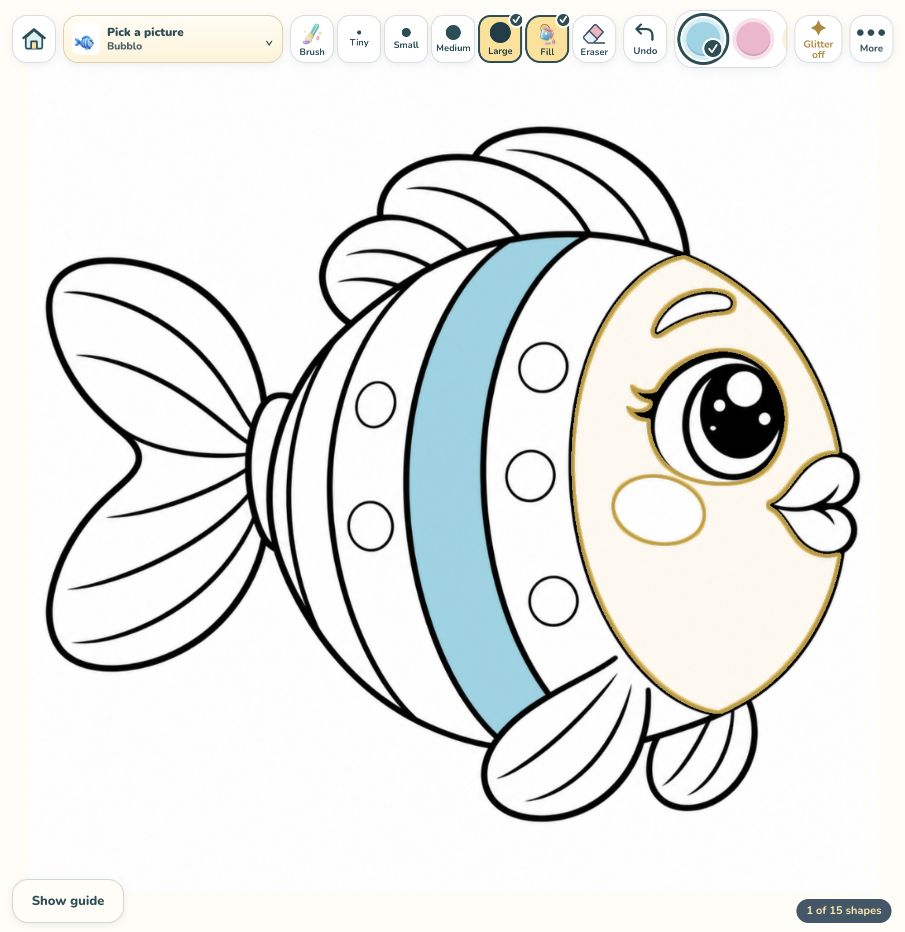
Colouring is another app activity described with card-set access. You could choose it when your child wants to make a picture rather than follow a card prompt. Ask whether they want company, an adult to watch or a turn to choose independently.
You can also put a blank sheet beside a paper card. Feelio’s instruction is “Show how you feel: say it, point to it or draw it.” Leave the paper nearby so your child can choose a drawing whenever they want.
Change formats when the activity changes
After a turn, ask what comes next: keep looking, make a drawing, choose a movement or finish. Moving from a screen to a paper drawing can simply follow the idea you are exploring. Let the format follow what you want to explore together.
Breatho, Slowmo and Feelio are all in the 53-card Breatho & Friends set. Explore the current card sets if you want to preview it or choose a different theme. Start with the pictures you want to use, and keep the preparation small enough that you can enjoy the activity together.