
How to Reduce Kids' Screen Time: A Family Reset Guide
· 11 min read · Updated
This is our step-by-step guide to reducing kids' screen time without daily battles. Written by a mom of two who lost the screen war for two solid years before finding what helped her family. No moralizing, no "just say no," no Pinterest-perfect routines that crumble by Wednesday. Just the real playbook.
What's Inside
- The truth most articles won't tell you
- The real screen time numbers by age
- Why reducing screens is harder than you think
- The 7-day family reset plan
- Age-by-age strategies (toddler to teen)
- How to handle screen meltdowns
- Real replacements kids actually like
- How to make it stick long-term
- 8 common mistakes that backfire
- FAQ
The Truth Most Articles Won't Tell You
Most screen time advice starts with the AAP guidelines and ends with "set limits and be consistent." That advice has worked for approximately zero parents I know. Including me.
Here is the actual truth:
The reason your kid cannot self-regulate around screens is not because they're weak-willed or you're a permissive parent. It's because many of the apps and videos they use are designed to be hard to put down. YouTube's autoplay is not a bug. TikTok's algorithm is not neutral. Many games for kids are built to keep them playing.
Your kid is not failing at willpower. They're losing a war they didn't know they were in, against products built by people who specifically wanted them to lose.
This changes the whole problem. You're not trying to teach a moral lesson about screens being bad. You're trying to remove a structural threat from your house so your kid has room for other things — building attention, building relationships, building a tolerance for boredom.
That's the right frame. Once you have it, the strategies in this guide make sense.
The Real Screen Time Numbers by Age
AAP guidelines are a starting point, not gospel. Here's a rough guide you can adjust for your family:
- Under 18 months: Video calls with family only. Otherwise zero. Babies and toddlers love real faces and real voices.
- 18 months to 2 years: Under 30 min/day, co-watched, high-quality only. Skip this entirely if you can.
- 3-5 years: Under 1 hour/day on school days, slightly more on weekends. Co-watching is gold at this age.
- 6-8 years: 1-2 hours/day on school days. Quality and timing matter more than minutes. NO screens in the hour before bed.
- 9-12 years: 2 hours of recreational screens on school days as a soft ceiling. Weekends can flex higher with structure.
- 13+ teens: The metric shifts. Stop counting hours. Watch instead whether screens are crowding out sleep, school, exercise, and in-person friendships. If they aren't, you're probably okay. If they are, you have a problem regardless of hours.
These numbers assume the screens are mostly recreational. Educational screens (Khan Academy, language apps, video lessons for school) are a different category and should not count against the recreational ceiling.
If your kid is currently at 5+ hours per day, do not try to drop to these numbers tomorrow. The protest will be catastrophic and you will give up by Friday. You need a reset plan. Keep reading.
Why Reducing Screens Is Harder Than You Think
Three reasons most screen time resets fail:
- The product is designed to be sticky. Endless scroll, autoplay, infinite content, achievement loops, social FOMO. None of these existed when YOU were a kid. Your nostalgia about how easily your parents managed screens does not apply.
- The replacement vacuum. If you take away screens but don't replace them with anything, your kid will fight to get them back with the desperation of someone with nothing else to do. Replacement matters more than restriction.
- Parent inconsistency. The kid whose parents check phones at dinner won't believe the no-phones-at-dinner rule. You can't fix kids' screens without looking at your own. Painful but true.
This is why "just set limits" doesn't work. The limits crumble against the engineering of the products, the vacuum where activities should be, and the modeling that contradicts the rule.
The 7-Day Family Reset Plan
Here's the real plan. Do it on a week where you don't have a wedding, a work deadline, or out-of-town visitors. Pick a Monday-Sunday or Sunday-Saturday. Tell the whole family in advance: "Starting [day], we're doing a 7-day family screen reset. It's going to be hard but it's not forever and we're all in it together."
Day 1: Audit and Announce
Spend the day tracking ACTUAL current screen usage. Many parents are surprised by the real number. At dinner, have a family meeting. Lay out the plan. Acknowledge it will be uncomfortable. Don't bargain.
Day 2: Charge Stations Outside Bedrooms
Every device gets a permanent home in the kitchen or family room. Phones, tablets, gaming devices. They live there now. They charge there at night. Bedrooms are screen-free.
Day 3: Screen-Free Mornings
From wake-up until school bus (or 9am on weekends), no screens for anyone in the family. Yes, that means you too. Modeling matters more than rules.
Day 4: Screen-Free Meals
All meals are screens-down. Phones face-down or out of the room. Conversations only. This is the hardest one for many families. Hold it.
Day 5: Time Windows, Not "Ask Each Time"
Set 2-3 specific time windows when recreational screens are okay (e.g., 4-5pm after school, 7-8pm before bath). Outside those windows, the answer is just "no, it's not screen time" without elaborate justification.
Day 6: First Replacement Activity
Pick ONE replacement to introduce — board game night, craft setup, outdoor play, library trip. Have everything ready. Make it as low-friction as the screen would be.
Day 7: Family Agreement
Write down the new rules. Have every family member sign it (including parents). Put it on the fridge. This is now your house's screen policy.
Expect days 3-5 to be the hardest. Kids (and parents) may find it tough going. Don't cave. Hold steady and give the new routine time to settle in.
Age-by-Age Strategies
Toddlers (2-3 years)
The easiest age to fix. They haven't built deep habits yet. Just stop. Replace with reading, outdoor play, water play and sensory bins (always with a grown-up right beside them). Do not introduce tablets to a toddler. If you already have, taking it away will involve a week of meltdowns; do it anyway.
Preschoolers (4-5 years)
Use visual schedules. Before-and-after structure: "First playtime, then 30 minutes of TV, then dinner." Co-watching is high leverage at this age. The TV that's on with you in the room is qualitatively different from solo iPad time.
Early School Age (6-8 years)
This is where most families set the patterns for the next decade. Make screens earned, not assumed. Build replacement structures. Get them into one activity outside the house (sports, music, art) that becomes part of their identity.
Tweens (9-12 years)
The phone conversation is coming. Delay phones as long as you can. When you do give a phone, it's not Christmas, it's a contract. Use the parental controls built into the phone. Do not assume your tween will self-regulate.
Teens (13-17 years)
External controls work less well. Internal capacity becomes the work. Have honest conversations about how social media makes them feel. Help them notice their own patterns. Don't shame their phone use, but don't pretend it has no cost either. Phone-free bedrooms is still the rule, even for teens.
How to Handle Screen Meltdowns
The transition off a screen is where a lot of screen-related family conflict happens. Here's what works:
- 5-minute warning. "Five more minutes." Set a visible timer. The brain needs time to wind down.
- 1-minute warning. "One minute. What's next?" Name the next activity.
- Hard ending. Timer goes off. Device goes away. You don't ask, you announce. "Okay, all done. Going to put this away now."
- The meltdown. Stay calm. Don't argue. "I know. It's hard to stop. The screen is done for now. The next thing is [X]."
- The recovery. Give 10-15 minutes of low-demand presence before expecting them to engage with the next thing. Most kids need a little time to settle.
If your kid is exploding into rage every single time, it may be worth cutting back overall screen time for a week or two and seeing whether the endings get easier.
Real Replacements Kids Actually Like
The biggest mistake is taking screens away without anything ready to replace them. Kids will choose the easiest available stimulation. If the easiest thing is a screen, they'll choose that. If the easiest thing is a board game with a parent who'll actually play, they'll often choose THAT.
What works as replacement activities:
- Outdoor play. Single highest-leverage replacement. Daily, not occasional.
- Board games. Sweet spot for ages 5+. Parent participation makes them stick.
- Building toys. Building bricks, magnetic tiles, blocks. Long, absorbing play.
- Reading and audiobooks. Audiobooks count. Don't fight the format, just feed the brain narrative.
- Crafts and open-ended making. Set up a craft drawer they can access independently.
- Cooking and baking. Underrated. Hits sensory, math, life skills, AND it's screen-free time with you.
- Music and instruments. Even casual ukulele or piano play is a lovely, slow skill to build away from screens.
- One out-of-house activity. Sports, dance, music lessons, art class. Builds identity outside the screen world.
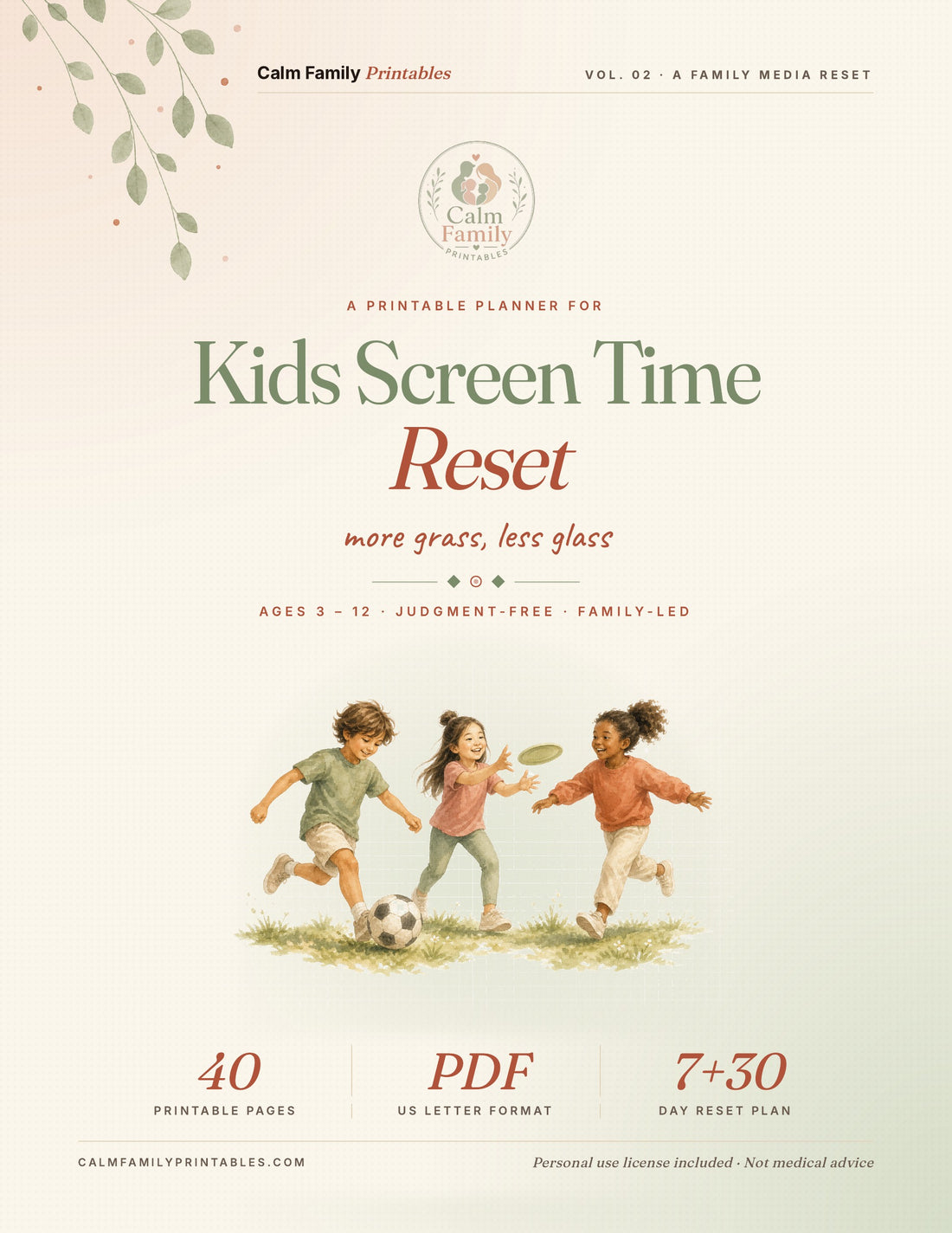
If you want a printable system that does the replacement work for you, our Screen Time Reset Workbook has a family agreement template, 20+ replacement activity ideas, a daily tracker, and calm transition scripts.
Shop the Screen Time Reset Workbook (15% off with code WELCOME15)
How to Make It Stick Long-Term
The 7-day reset is the easy part. Sustaining the new pattern is where most families fall apart. Here's what helps it last:
- Parents follow the same rules they set. Non-negotiable. Period.
- The structure is physical, not motivational. Devices have a home outside bedrooms. Time windows exist. Replacement activities are pre-set. Don't try to rely on willpower in the moment.
- Family meeting weekly for the first month. 10 minutes. What's working, what isn't, adjust together.
- Allow some flex. Vacation, sick days, special occasions — fine. The pattern matters more than perfection.
- Track the right thing. Not "hours of screens." Track sleep quality, mood, behavior, school engagement, family connection. Those are what you actually care about.
8 Common Mistakes That Backfire
- Going from 5 hours to 0 overnight. Catastrophic protest. Will fail by day 4.
- Different rules for parent screens vs. kid screens. The kid clocks the inconsistency. The whole system loses credibility.
- Using screens as the reward for completing other tasks. This makes screens the most valuable thing in the house. You want the opposite.
- Allowing screens in bedrooms. Opens the door to late nights, secret screen use, and bedtime battles.
- No replacement activities ready. Kid is bored, parent caves, screens return.
- Lecturing during the meltdown. A child that upset is rarely ready to listen. Save the conversation for calm moments.
- Trying to do it alone. Both parents have to be on board. If one parent caves consistently, the system breaks.
- Giving up after week one. Often the hardest week. Keep going.
Frequently Asked Questions
How much is "too much" screen time?
Too much is whatever amount is leaving your kid as their worst self. If they're sleeping well, doing well in school, connected to family, getting physical activity, and enjoying non-screen things, then their amount is fine. If those things are deteriorating, it's too much regardless of the hours.
What about educational screens? Khan Academy, language apps?
These count differently. High-quality educational screens, used in moderation, can be genuinely useful. They should not count against your recreational screen ceiling. Most "educational" apps are not actually educational, though, so be skeptical.
My kid is autistic/ADHD. Do these rules still apply?
Yes, but with adjustments. Screens can matter a great deal to neurodivergent kids (special interests, sensory comfort). Don't take that away brutally. But also: notice whether heavy screen use is crowding out other things that help your child. The work is finding the balance, not eliminating screens. Our sister site autismparentingguide.org has a deeper guide for autism families.
My partner won't engage with this. What do I do?
Have the conversation about WHY first. Often a partner just needs to hear what you've noticed and why it matters to you. If after the conversation they still won't, you're stuck with a partial system. Hold what you can. Model what you can. Sometimes one parent's structure is enough.
What about Roblox / Minecraft / Fortnite?
These are social games. The screen is the medium, but the activity is friendship. Treat them differently from passive YouTube watching. The hours can be similar, but the function for the kid is not. Many gaming kids do better when their gaming includes voice chat with real friends than when their YouTube includes nothing.
Is it too late to reset if my kid already spends hours a day on screens?
It's never too late. It IS harder the deeper in you are. A kid at 6 hours a day for two years will need a longer, more carefully managed reset than a kid at 3 hours a day for six months. Plan for 2-4 weeks of hard before the new pattern feels normal.
Do I need to buy printables to do this?
No. You can DIY everything in this guide. The reason families use printables is because they save the planning work, give the kids visual structure (which matters a lot for the actual reset), and provide accountability. Optional, not required.
The Bottom Line
Reducing kids' screen time is not a willpower project. It's a structural change in your house. The families with the calmest screen patterns aren't the ones with the strictest rules. They're the ones who built systems that make the right choice easier than the wrong one, then held those systems long enough to become normal.
Start with the 7-day reset. Hold the structure for a month. Give it time, and the new pattern can start to feel normal for you and your kid.
The Screen Time Reset Workbook
The printable companion to this guide. Includes the 7-day reset checklist, family agreement template, 20+ replacement activity ideas, daily screen tracker, transition scripts, and age-by-age pages for ages 3 to 12.
Designed by a mom of two who lost the screen war for two years before building this system in her own house.